That stack of
school flyers
ends today.
Just snap a photo. Events, packing lists, and reminders
land neatly in a calendar your whole family shares.
iOS and Android. Free to start.
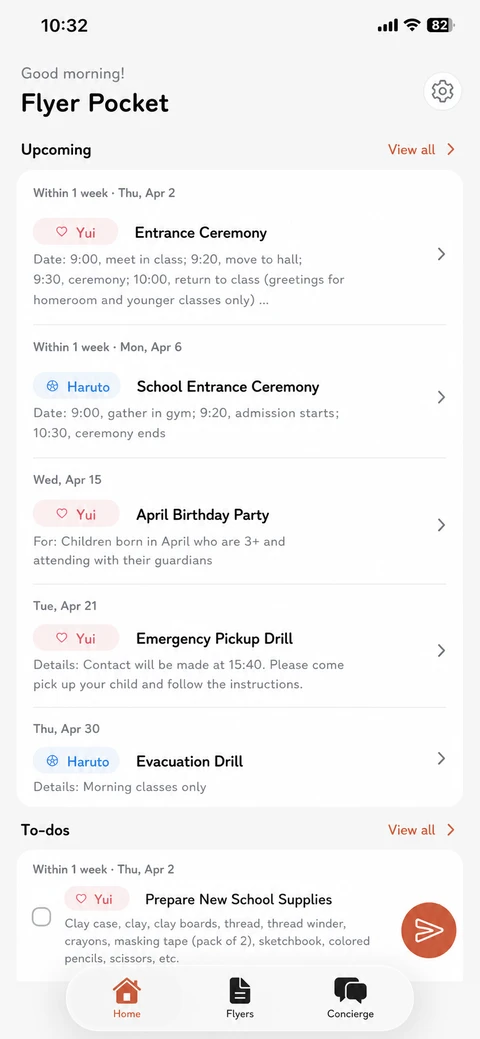
Flyer Pocket is a mobile app that turns photos of school notices into a shared family calendar and packing list. Built for parents of children in preschool, daycare, kindergarten, and elementary school, it uses OCR and AI to extract events, supplies, and to-dos from school newsletters and flyers. Results sync to a family-shared calendar in real time. The free plan includes the first 5 scans and 1 scan per day, with sharing for up to 5 family members and 5 children. Premium is available for $4.99/month, $29.99/year, or $79 lifetime. iOS and Android. Made by First Penguin LLC, a Japan-based developer.
HOW IT WORKS
It only takes three steps
Take a photo of the flyer with your camera, or share a PDF straight from your inbox.
Events, packing lists, and announcements are sorted into the right places automatically.
Everything lands in your family calendar and packing list, in real time.
FEATURES
Five things that turn paper into peace of mind
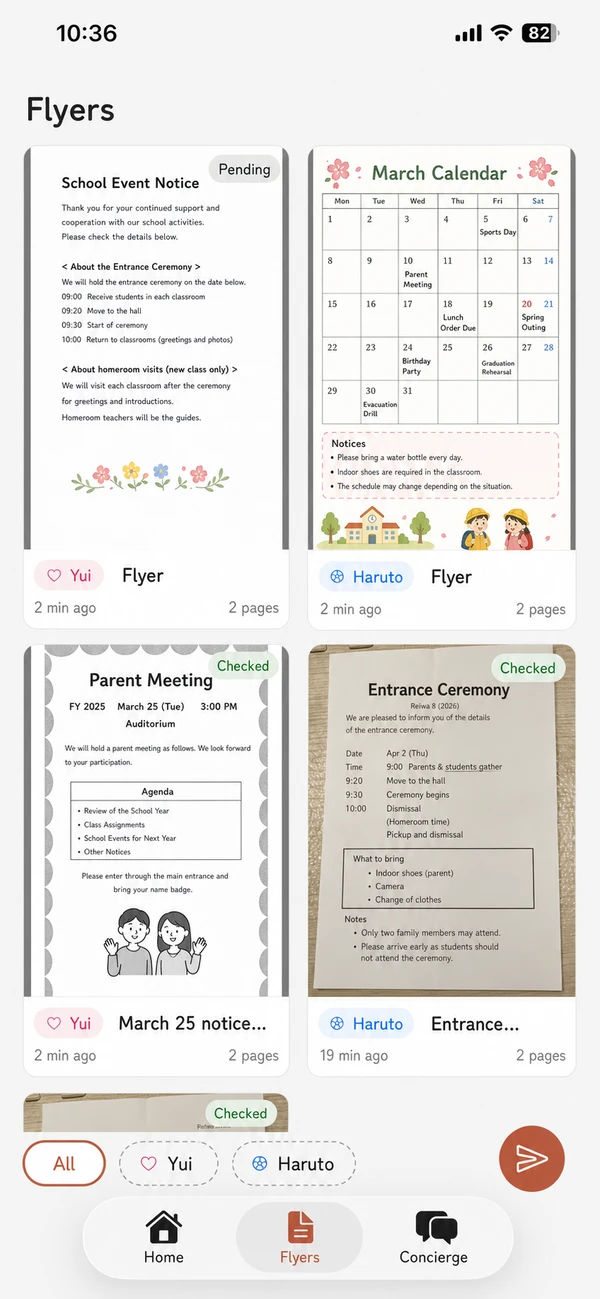
Snap a photo,
see the important bits faster.
Use your camera or pick a photo. Each notice is sorted into Events, Parent meetings, Packing, Health, Holidays, and Outings.
Never miss a
school date again.
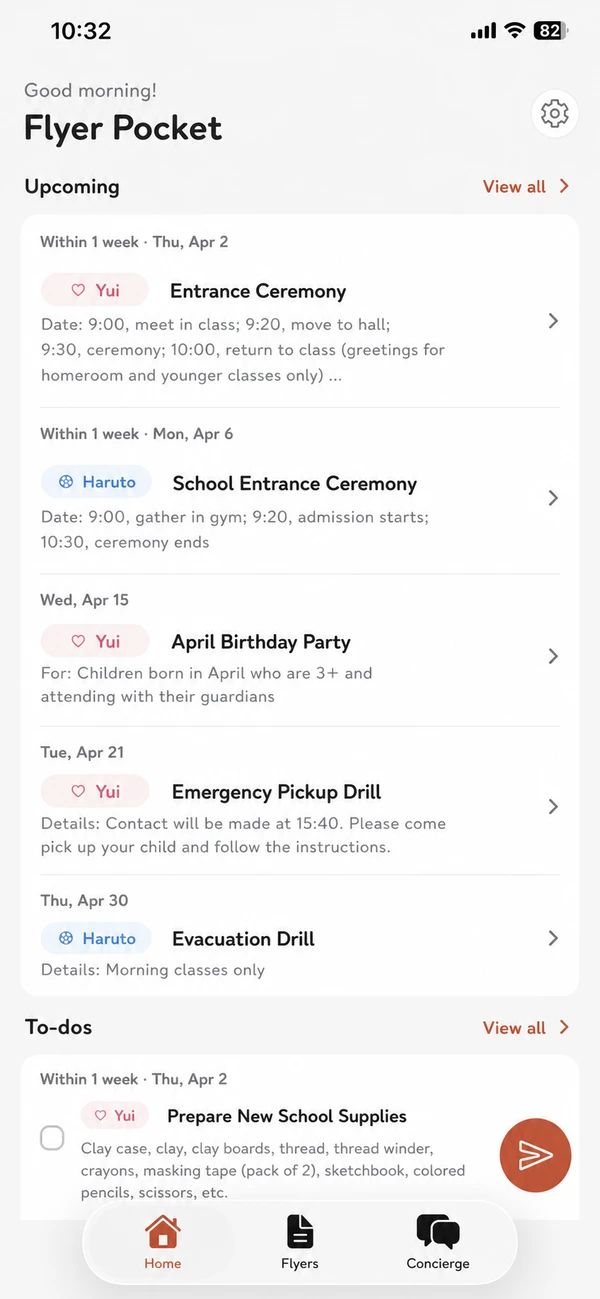
Every event from a flyer drops straight into your calendar, with the date, time, and category at a glance.
No more rushed,
forgetful mornings.
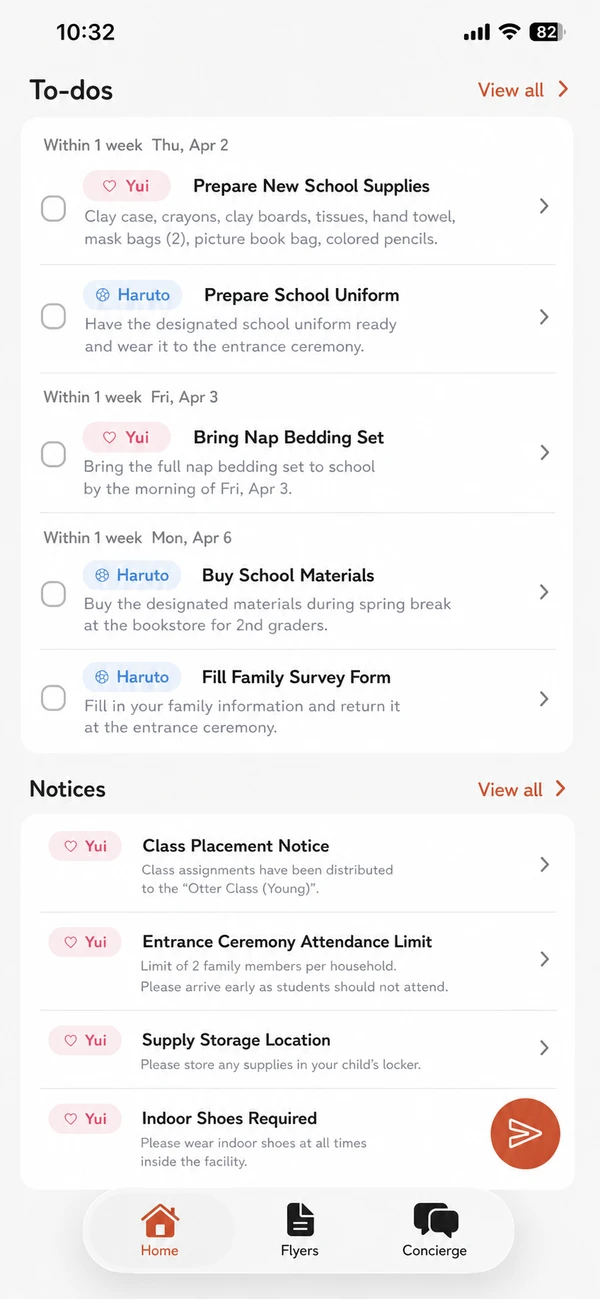
Gym clothes, lunch, library books - your packing list orders everything by due date so the night before is easy.
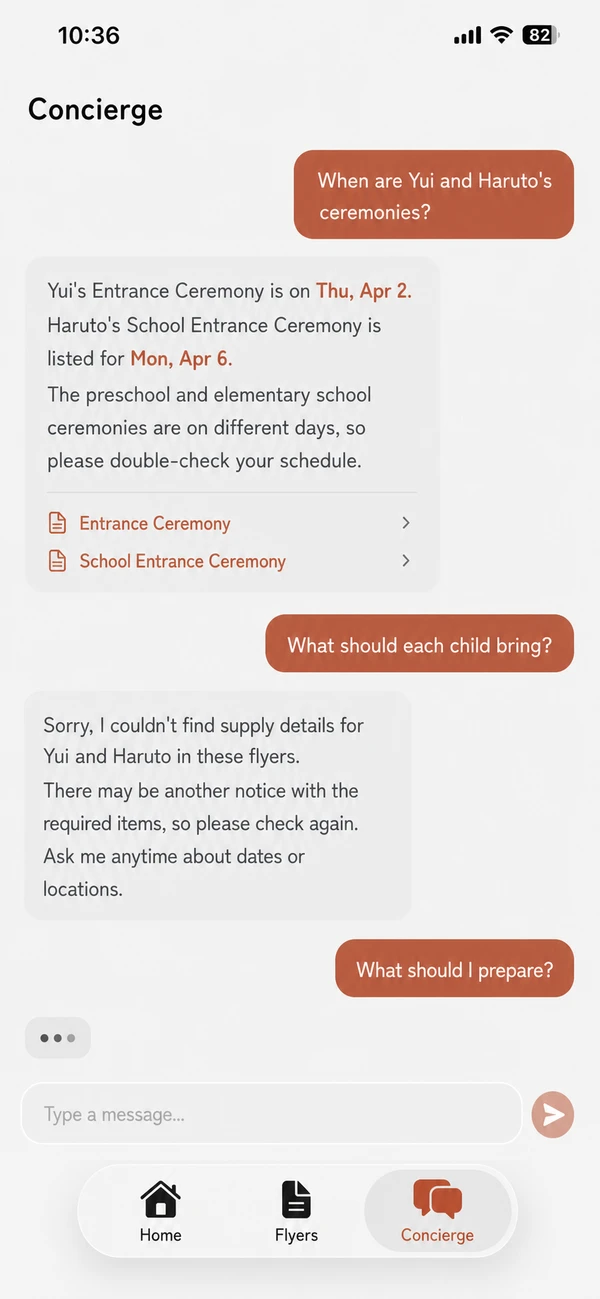
Just ask -
find what you need.
Ask "What does she need tomorrow?" and we answer based on the flyers you've already snapped.
Everyone in the
family stays in sync.
Add family with an invite code. Calendar and packing list sync in real time, so nothing falls through the cracks.

A DAY WITH FLYER POCKET
A gentler rhythm,
even on the busiest days
See tomorrow's gear at a glance. Label that lunchbox before bed.
No more "did you grab it?" panic. Both parents check the same list.
Pick up the day's flyer and snap it. The app does the sorting for you.
Ask "What's on next week?" and skip the hunt through the paper pile.
REVIEWS
Loved by busy parents
What moms and dads are saying about Flyer Pocket
I used to forget half the things on the flyer. Now I snap a photo and the packing list pops up with due dates. I wish I'd had this with my first child.
My wife always said "it was on the school flyer". Now we share everything in the app and I actually know what's happening. So many fewer arguments about pickup days.
We had paper notices stuck all over the fridge. One snap and it's all in the app, sorted by date. The fridge is finally clean.
"What time is sports day?" "Is lunch provided?" - it answers right away from the flyer. I told all my mom friends and they were amazed.
PRICING
A plan that fits your family
FAQ
Common questions
Is Flyer Pocket free?+
What kinds of school papers does it understand?+
How accurate is it?+
Can I share with my whole family?+
Is my data safe?+
Can I cancel anytime?+
Where are my flyers and data stored?+
Does it work for schools other than preschool?+
Can I manage flyers for several children?+
Does it work with PDF flyers?+
Can I share with grandparents?+
Will my data move to a new phone?+
Stop worrying
about flyers today.
Make every morning a little calmer.
Free to start.
iOS and Android. Free to start.